
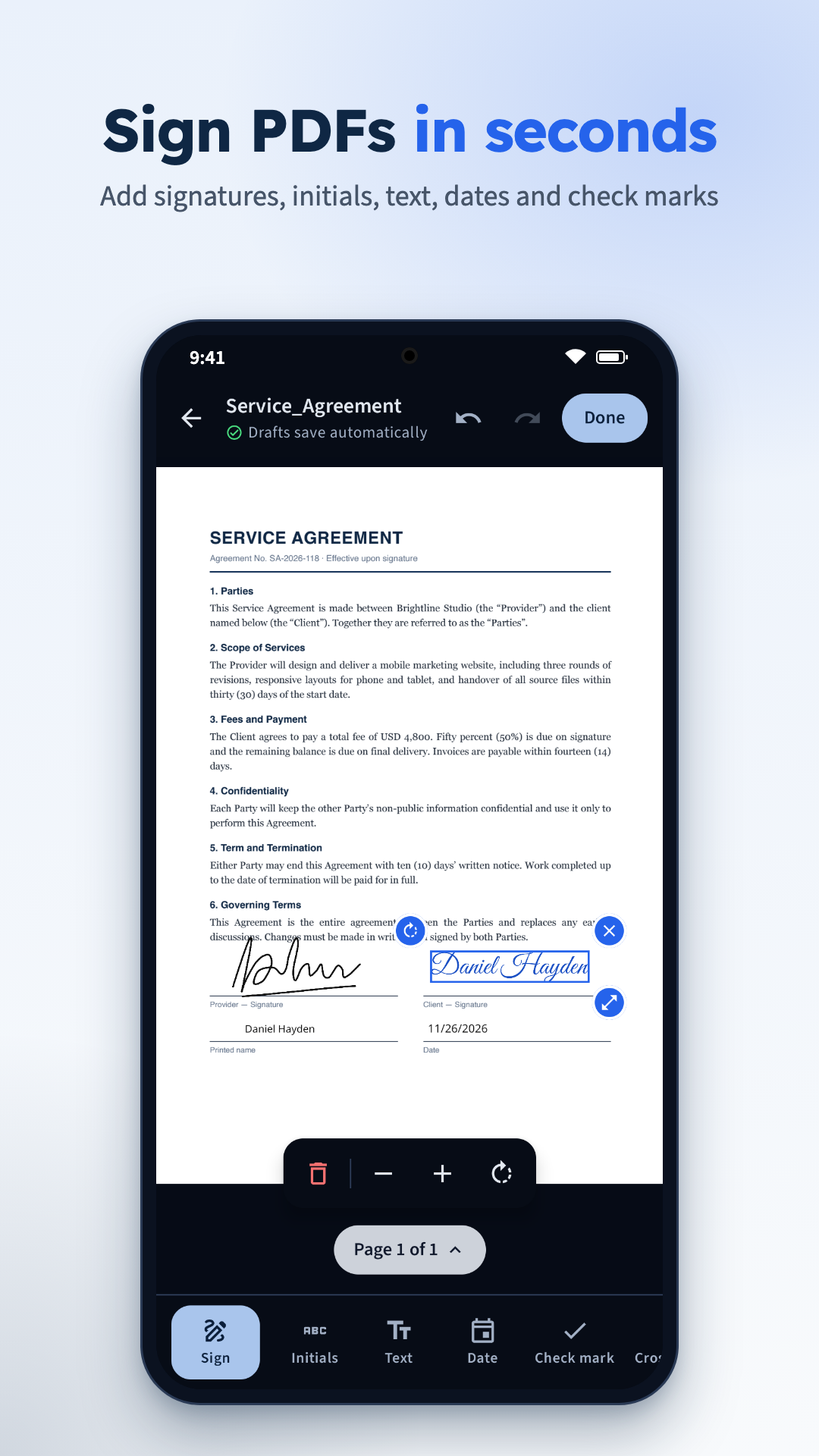
Sign PDFs in seconds, right on your phone
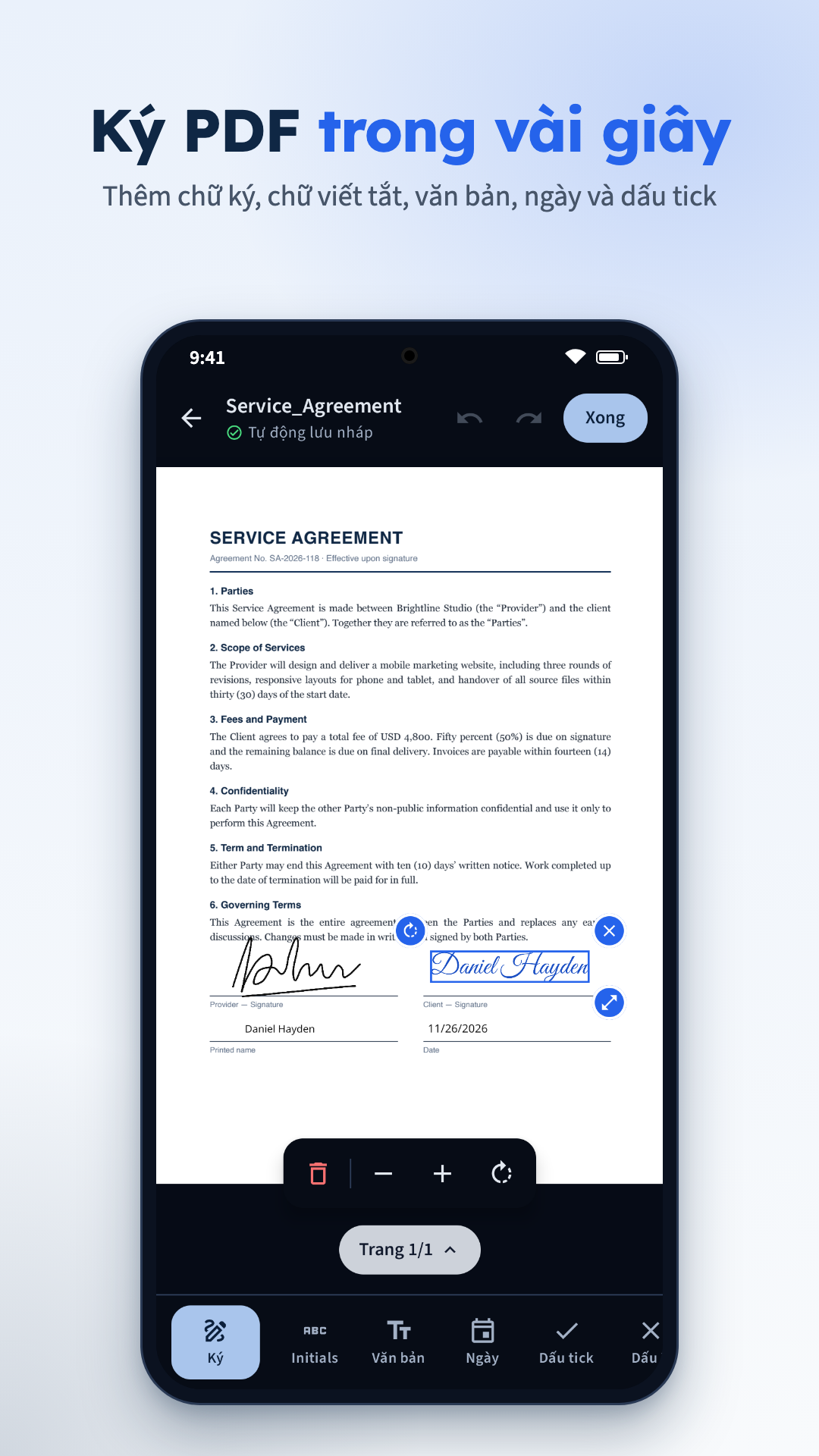
Ký PDF trong vài giây, ngay trên điện thoại
Open a contract, form or invoice, add your signature, name and date, and send it back. No printer, no scanner, no account.
Mở hợp đồng, đơn từ hay hoá đơn, thêm chữ ký, họ tên và ngày tháng rồi gửi lại ngay. Không cần máy in, máy scan hay tài khoản.
Everything you need to sign
Đủ mọi thứ để ký tài liệu
Sign and fill
Ký và điền
Signatures, initials, text, dates and check marks. Fill in PDF form fields too.
Chữ ký, chữ viết tắt, văn bản, ngày và dấu tick. Điền được cả các trường form PDF.
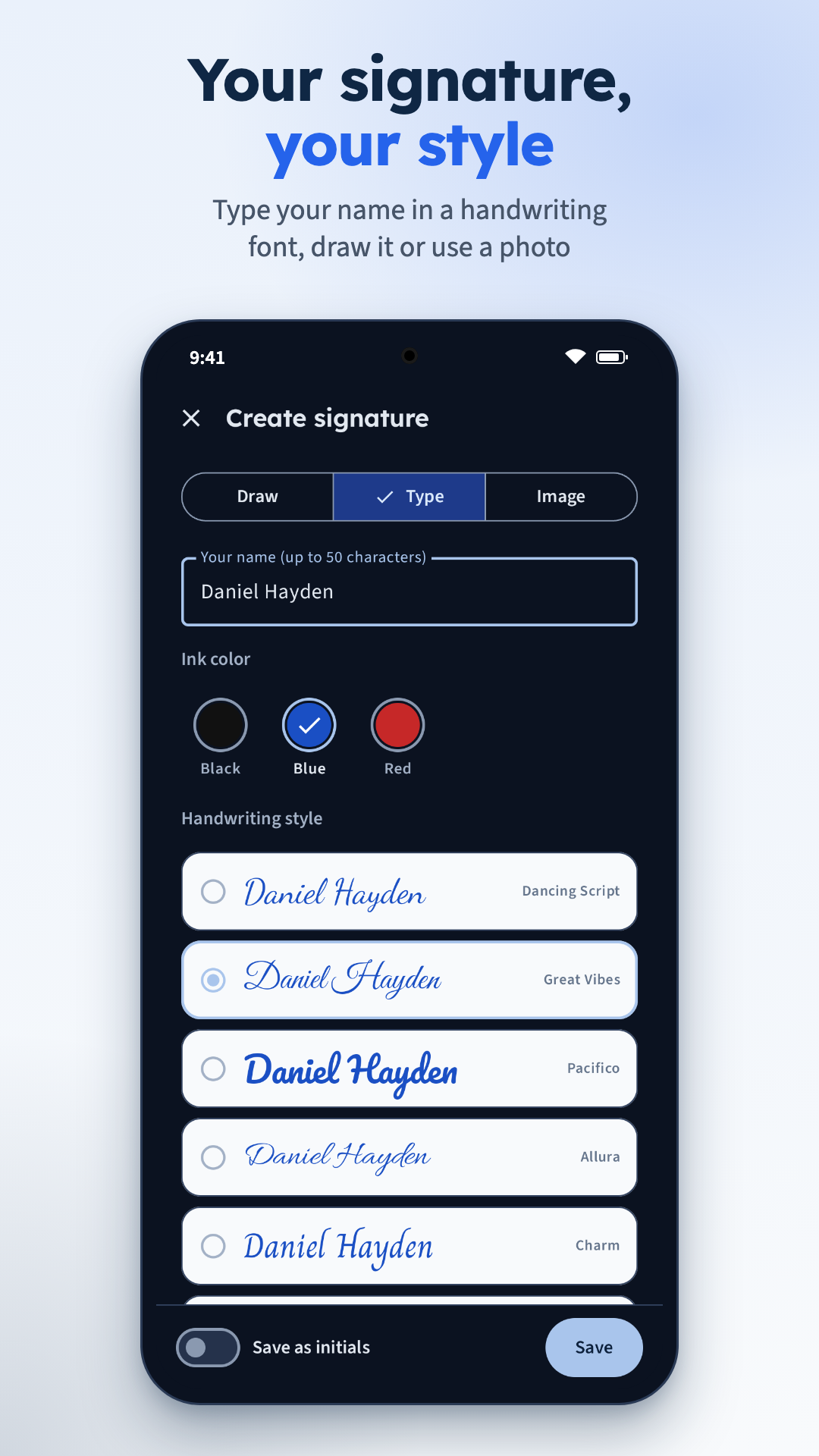
Your signature, your way
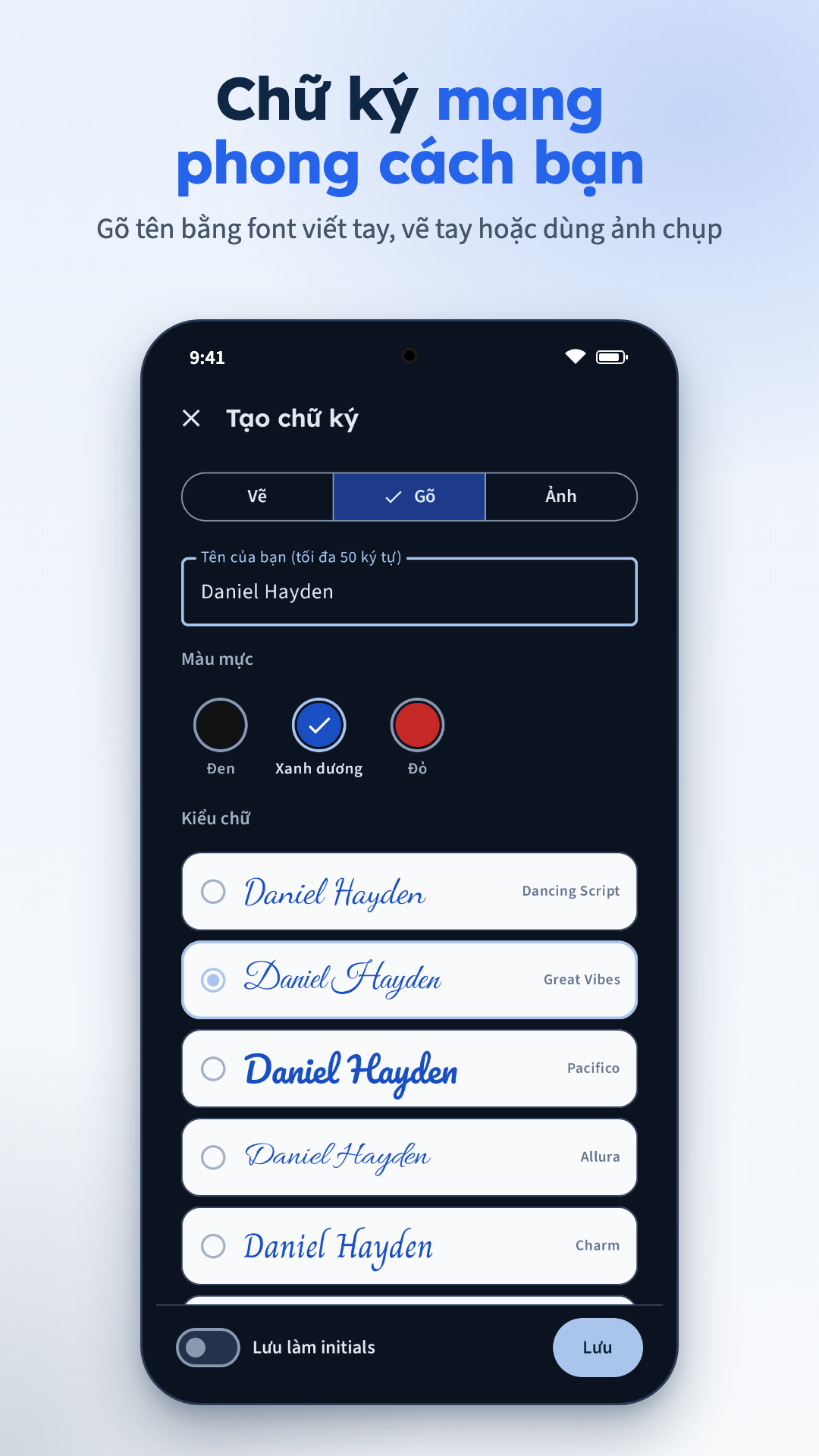
Chữ ký theo cách của bạn
Draw it, type it in a handwriting font, or use a photo of your signature on paper.
Vẽ tay, gõ tên bằng font viết tay, hoặc dùng ảnh chụp chữ ký trên giấy.
Scan and organise
Scan và sắp xếp
Scan paper, turn photos into PDF, merge files, and rotate or reorder pages.
Scan giấy tờ, chuyển ảnh thành PDF, gộp file, xoay và sắp xếp lại trang.
Save and share
Lưu và chia sẻ
Share, save or print the signed copy, or protect it with a password.
Chia sẻ, lưu hoặc in bản đã ký, hoặc đặt mật khẩu cho file.
Private by design
Riêng tư ngay từ thiết kế
No internet permission. Documents and signatures are processed only on your device.
Không có quyền Internet. Tài liệu và chữ ký chỉ được xử lý trên máy của bạn.
App lock
Khoá ứng dụng
Optionally protect the app with your fingerprint, face or screen lock.
Tuỳ chọn khoá app bằng vân tay, khuôn mặt hoặc khoá màn hình.
Signatures made with Sign PDF are image signatures, like signing on paper. They are not certificate-based digital signatures.
Chữ ký tạo bằng Ký PDF là chữ ký dạng ảnh, giống như ký trên giấy. Đây không phải chữ ký số dùng chứng thư số.
Support
Hỗ trợ
Questions or feedback? Email us at anhndt.freelancer@gmail.com.
Cần hỗ trợ hoặc góp ý? Gửi email tới anhndt.freelancer@gmail.com.